
A Nufu TV app download search should lead you to the correct application for your device and account. However, this review did not verify a standalone Nufu-branded download. The inspected nufu.tv smart-TV guide instead describes third-party IPTV players. Start by confirming your provider’s exact website, your device model, and the app it supports before installing anything or purchasing access. Source: Nufu.tv smart-TV guide.
This guide explains what to check, how to approach setup, and which subscription questions to settle first. It does not provide an unverified APK or activation code.
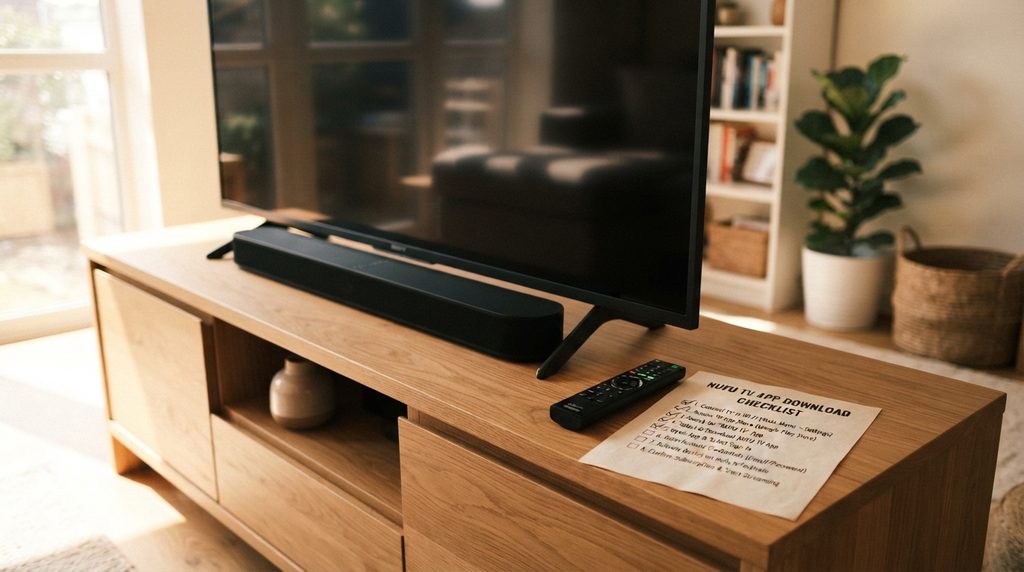
Table of Contents
Table of Contents
Where can you find a Nufu TV app download?
Ask the provider associated with your account for its current device-specific app link and publisher name. A standalone Nufu TV app was not verified for this guide. The inspected smart-TV instructions describe using third-party players, so the correct installation may involve a supported player rather than an app named Nufu TV.
Specifically, nufu.tv lists NetIPTV, Smart IPTV, and SmartOne IPTV in its television guide. That documents what that website recommends; it does not verify support for every TV or establish that another similarly named website offers the same service. Source: Nufu.tv smart-TV instructions.
Check the full domain on your receipt. Do not assume nufu.tv and nufutvs.com share accounts, subscriptions, or support simply because their names resemble each other.
Nufu TV app download checklist
Before installing, obtain:
- The exact app name and publisher.
- A store listing or developer-controlled download address.
- Confirmation for your device model and software version.
- The required sign-in method.
- Any separate player activation fee.
A forwarded download code alone does not identify the app publisher. If instructions are unclear, ask for the original source link and the name you should see on the installation screen.
Check your device before installing
Use the table below to prepare a support request. It describes what needs confirmation, not a verified Nufu TV compatibility list.
| Device | Details to provide | Confirmation to request |
|---|---|---|
| Google TV or Android TV | Manufacturer, model, software version | Exact supported TV app and store listing |
| Amazon Fire TV | Model, generation, operating system | Installation route supported on that exact device |
| Samsung Smart TV | Model code, model year, store region | Available player and any activation charge |
| Roku | Model and region | Explicit supported viewing method |
| Apple TV | Model and tvOS version | Specific tvOS app and login requirements |
Google TV and Android TV
On Google TV, search for the confirmed app name from the home screen. Open its listing, check that it matches the publisher your provider identified, and select Install if available. Google documents this search-and-install process in its Google TV app installation guide.
For Android TV, use the device’s app store and obtain the appropriate TV listing. Do not assume that finding an app on a phone establishes support for your television.
Fire TV, Samsung TV, Roku, and Apple TV
Request instructions that name your exact platform. A generic “works on smart TVs” statement leaves too much unresolved to justify a purchase.
In particular, avoid buying a new streaming device until support identifies the app and installation route it supports. If a seller cannot explain how your existing device will connect, resolve that uncertainty before choosing a long subscription.
For help preparing those details, consult the device setup guide.
How to set up the app and sign in
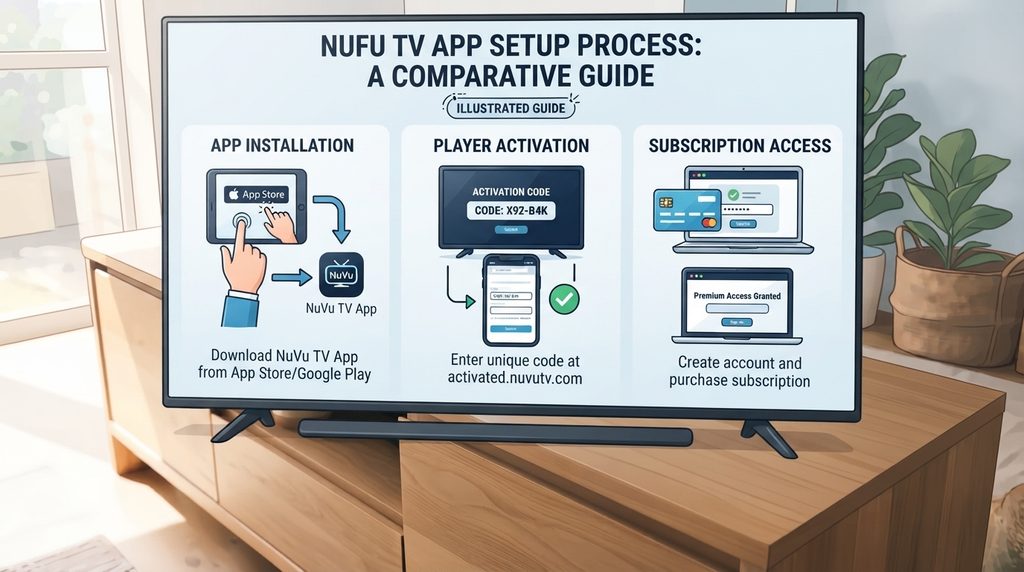
Once the provider confirms a supported installation route, follow this sequence:
- Verify the account source. Match the provider’s domain to your receipt or welcome message.
- Install the confirmed application. Compare its publisher with the supplied instructions.
- Identify the required login format. Ask whether you need credentials, a playlist address, an activation code, or device registration.
- Enter only the requested information. Use the values supplied for your account without changing server addresses or guessing missing fields.
- Check access before further payment. Confirm that your account is active and that the app recognizes it.
- Test normal viewing. Try the content you actually want, navigation, sound, and remote controls.
- Keep the setup details. Save your receipt and support instructions privately.
Use any approved trial to test the television you plan to watch. A successful demonstration on someone else’s device does not establish how your own setup will perform.
Understand your Nufu TV login code
Ask what a “code” does before entering or sharing it. The term may refer to a download shortcut, device pairing, player activation, or account access; those purposes are different.
Your Nufu TV login and password may also differ from the credentials used inside a third-party player. Follow the account-specific instructions rather than assuming one password works everywhere.
If access fails, check capitalization, accidental spaces, the selected login method, and the provider domain. Ask support to confirm account status before buying another subscription.
Keep passwords, playlist addresses, and pairing codes out of public comments and screenshots. When sending an error image, hide those fields and retain the visible error message.
How much is Nufu TV, and is there a free trial?
A current nufutvs.com price and free-trial offer could not be verified for this guide. Check the written terms for the exact website selling your subscription. Do not apply another similarly named site’s advertised price, trial duration, connection allowance, or cancellation policy to your purchase.
Compare the following before paying:
- Total charge: The amount due now, including any disclosed fees.
- Term: How long access lasts and when it begins.
- Renewal: Whether you must renew manually or will be charged again.
- Connections: How many people can watch simultaneously.
- Player cost: Whether an app license is separate.
- Cancellation and refunds: The actual written conditions.
For a claimed Nufu TV free trial, ask when the clock starts, whether payment details are required, which features are included, and what happens at expiry. No universal Nufu TV free trial code was verified for this article.
Once compatibility is confirmed, review the subscription plans and compare the complete terms. A longer term is worth considering only when the service meets your needs and its conditions are clear.
Check the channel list and content rights
Request a current Nufu TV channel list for your location and proposed plan. Identify the specific channels or events you want rather than relying on a large total channel count.
Ask separately about live broadcasts, replays, on-demand programs, and recording. These should be explicit features in the offer you accept.
The inspected nufu.tv homepage illustrates why clarification matters: its plan lists mention replay support, while its FAQ says replays are not offered. Obtain a current written answer rather than choosing whichever statement sounds better. Source: Nufu.tv plans and FAQ.
Is Nufu TV legal or legit?
This review did not establish Nufu TV’s content licensing status. Technical functionality, a paid subscription, or positive comments do not independently verify distribution rights. The U.S. Copyright Office explains that copyright owners control rights including public performance of audiovisual works, subject to statutory limitations. Source: U.S. Copyright Office.
Request a clear explanation of the provider’s authorization for the programming and territory concerned. Separately evaluate business identity, billing terms, and support responsiveness.
Searching “is Nufu TV legit Reddit” may uncover customer experiences, but no Reddit consensus was verified here. Treat individual posts as leads to investigate, not evidence that every account, offer, or website is trustworthy.
Compare your options before subscribing
A useful Nufu TV alternative comparison begins with your viewing requirements. Specify your must-have programming, device, budget, and household’s simultaneous viewing needs.
| Option to investigate | Potential advantage | Question to settle |
|---|---|---|
| Service using a supported third-party player | Choice of interface where supported | Who handles app problems versus account problems? |
| Licensed live-TV bundle | May group several desired channels | Does its current lineup cover your location? |
| Rights-holder streaming service | May suit a specific sport or catalog | Are your exact events included locally? |
| Existing television provider’s app | May use access you already purchase | Is viewing included in your current package? |
These are comparison categories, not verified replacements with identical content.
A separate player can be useful when its controls suit your device. The trade-off is an additional support relationship and potentially an additional fee.
If you prefer one account and one support contact, investigate services with an integrated app. If a particular channel is essential, prioritize documented access to that channel over a lower headline price.
Fix common setup and playback problems
Diagnose the stage that fails before making changes. Reinstalling repeatedly is unlikely to clarify an account or billing question.
| Symptom | First check | Useful support information |
|---|---|---|
| App cannot be found | Exact app, publisher, model, and region | Device details and store search result |
| Login rejected | Credentials, sign-in method, account status | Error wording with credentials hidden |
| App requests payment | Whether it is a separate player fee | Name of the app and payment message |
| App opens but content does not | Account access and provider status | Affected content and time of failure |
| Playback stops intermittently | Whether other content or apps also fail | Scope, timing, and network used |
Avoid purchasing duplicate access just because a screen says “expired.” First establish whether it refers to your player license, trial, or streaming subscription.
Choose your next step
The right Nufu TV app download depends on the provider you use, the device you own, and its confirmed installation method. Establish those details before comparing subscription lengths. Then check total costs, content availability, and written access terms. If something is missing, request device-specific setup help with your model and app name. Proceed when you know what you are installing and exactly what your payment covers.
FAQ
Frequently asked questions
Is there an official Nufu TV APK?
A standalone official Nufu TV APK was not verified during this review. Ask your provider for a current publisher-controlled link or store listing before downloading a file labeled that way.
Can I use Nufu TV on Fire TV?
Support for your exact Fire TV device needs confirmation. Request the app name, publisher, and installation instructions before buying access or assuming a generic tutorial applies.
Does downloading a player include a subscription?
Do not assume so. Ask the seller to distinguish app installation, any player license, and paid content access on your order.
Where do I get my Nufu TV login code?
Use the account or support channel associated with your purchase. Ask whether the code is for device pairing, player activation, or streaming access.
Is a Nufu TV free trial available?
A current trial offer for nufutvs.com was not verified. Request written confirmation of availability, duration, payment requirements, and expiry conditions.
How many devices can watch at once?
Confirm the simultaneous-stream limit for your particular plan. “Multiple devices” alone does not specify how many streams can play at the same time.
Why does the app say my access expired?
The message could concern a player license, trial, or subscription. Identify which product issued the notice and ask the relevant support team before paying again.
Are nufu.tv and nufutvs.com the same provider?
Their relationship was not established in this review. Match your account, payment receipt, and support contact to the exact domain you used.